I thought that this was a pretty huge announcement, and the opposite of Google which a while ago said that Google Pay Lib is the recommend way to implement payments... I mean, it's not a million miles away, Google Pay is built on top of Payment Request, but it's not PR first.
Payment Request is now the recommended way to pay implement Apple Pay on the web.
And my favourite feature given my history with Web Intents.
Web Share API
The Web Share API adds navigator.share(), a promise-based API developers can use to invoke a native sharing dialog provided the host operating system. This allows users to share text, links, and other content to an arbitrary destination of their choice, such as apps or contacts.
Now just to get Share Target API and we are on to a winner! :)
Stay in the loop.
I'm trialing a newsletter. Join for monthly insights into web dev, Chrome, and the open web.
Years ago, I did some research into how native applications responded to a lack of network connectivity. Whilst I've lost the link to the analysis (I could swear it was on Google+), the overarching narrative was that many native applications are inextricably tied to the internet that they just straight up refuse to function. Sounds like a lot of web apps, the thing that set them apart from the web though is that the experience was still 'on-brand', Bart Simpson would tell you that you need to be online (for example), and yet for the vast majority of web experiences you get a 'Dino' (see chrome://dino).
We've been working on Service Worker for a long time now, and whilst we are seeing more and more sites have pages controlled by a Service Worker, the vast majority of sites don't even have a basic fallback experience when the network is not available.
I asked my good chum Jake if we have any guindance on how to build a generic fall-back page on the assumption that you don't want to create an entirely offline-first experience, and within 10 minutes he had created it. Check it out.
For brevity, I have pasted the code in below because it is only about 20 lines long. It caches the offline assets, and then for every fetch that is a 'navigation' fetch it will see if it errors (because of the network) and then render the offline page in place of the original content.
addEventListener('install', (event) => {
event.waitUntil(asyncfunction() {
constcache=awaitcaches.open('static-v1');
awaitcache.addAll(['offline.html', 'styles.css']);
}());
});
// See https://developers.google.com/web/updates/2017/02/navigation-preload#activating_navigation_preload
addEventListener('activate', event => {
event.waitUntil(asyncfunction() {
// Feature-detect
if (self.registration.navigationPreload) {
// Enable navigation preloads!
awaitself.registration.navigationPreload.enable();
}
}());
});
addEventListener('fetch', (event) => {
const { request } =event;
// Always bypass for range requests, due to browser bugs
if (request.headers.has('range')) return;
event.respondWith(asyncfunction() {
// Try to get from the cache:
constcachedResponse=awaitcaches.match(request);
if (cachedResponse) returncachedResponse;
try {
// See https://developers.google.com/web/updates/2017/02/navigation-preload#using_the_preloaded_response
constresponse=awaitevent.preloadResponse;
if (response) returnresponse;
// Otherwise, get from the network
returnawaitfetch(request);
} catch (err) {
// If this was a navigation, show the offline page:
if (request.mode==='navigate') {
returncaches.match('offline.html');
}
// Otherwise throw
throwerr;
}
}());
});
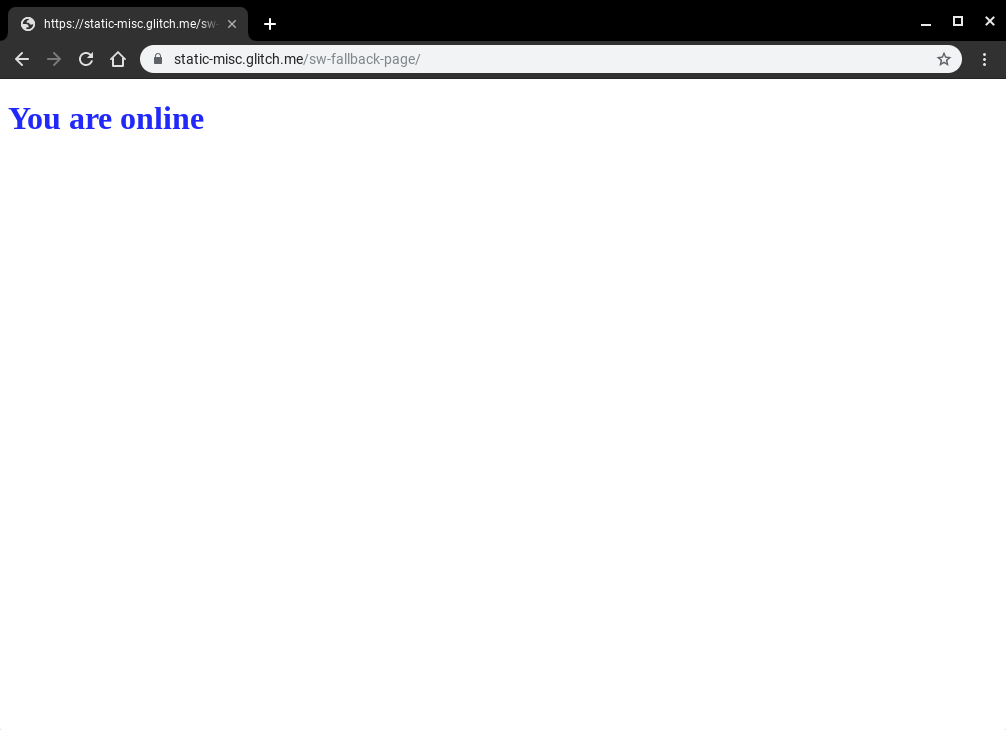
That is all. When the user is online they will see the default experience.
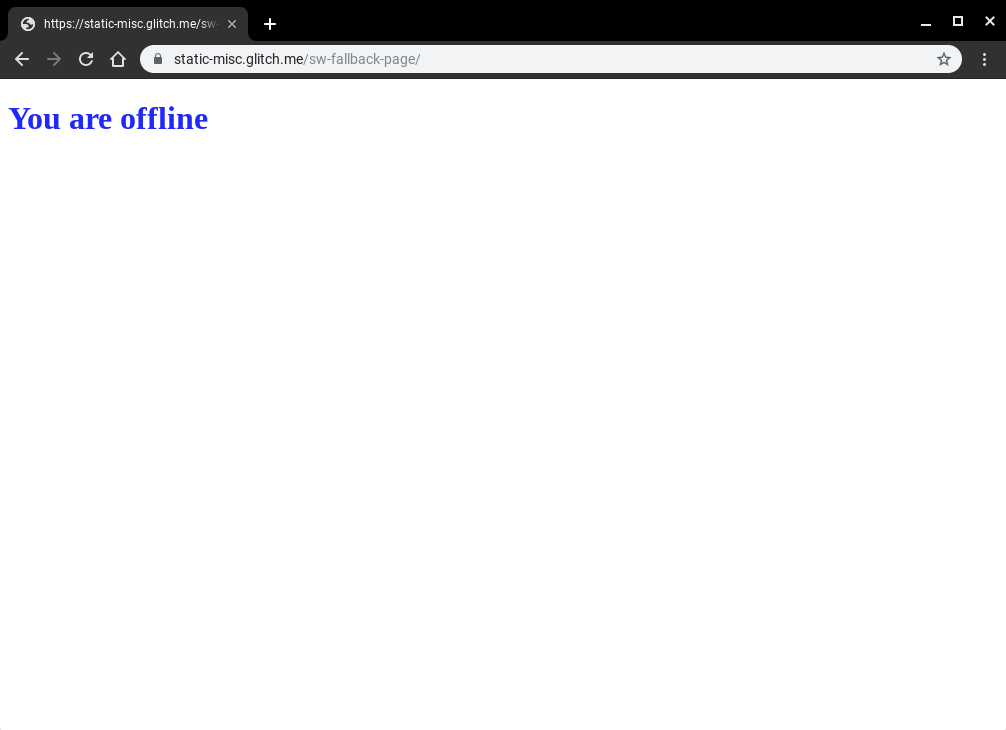
And when the user is offline, they will get the fallback page.
I find this simple script incredibly powerful, and yes, whilst it can still be improved, I do believe that even just a simple change in the way that we speak to our users when there is an issue with the network has the ability to fundamentally improve the perception of the web for users all across the globe.
Update Jeffrey Posnick kinldy reminded me about using Navigation Preload to not have to wait on SW boot for all requests, this is especially important if you are only controlling failed network requests.
I've updated by Hugo based editor to try and use EditorJS as, well, the editor for the blog.
Workspace in classic editors is made of a single contenteditable element, used to create different HTML markups. Editor.js workspace consists of separate Blocks: paragraphs, headings, images, lists, quotes, etc. Each of them is an independent contenteditable element (or more complex structure) provided by Plugin and united by Editor's Core.
I struggled a little bit with the codebase, the examples all use ES Modules, however the NPM dist
is all output in IIFE ES5 code. But once I got over that hurdle it has been quite easy to
build a UI that looks a bit more like medium.
I was on the flight to Delhi this last week and I wanted to be able to debug my KaiOS device with Chrome OS - I never quite got to the level that I needed for a number of reasons (port forwarding didn't work - more on that in another post), but I did get to build a simple tool that really helps me build for the web on Android based devices.
I've been using WebADB.js for a couple of side projects, but I thought I would at least release one of the tools I made last week that will help you if you ever need to debug your Android device and you don't have adb installed or any other Android system tools.
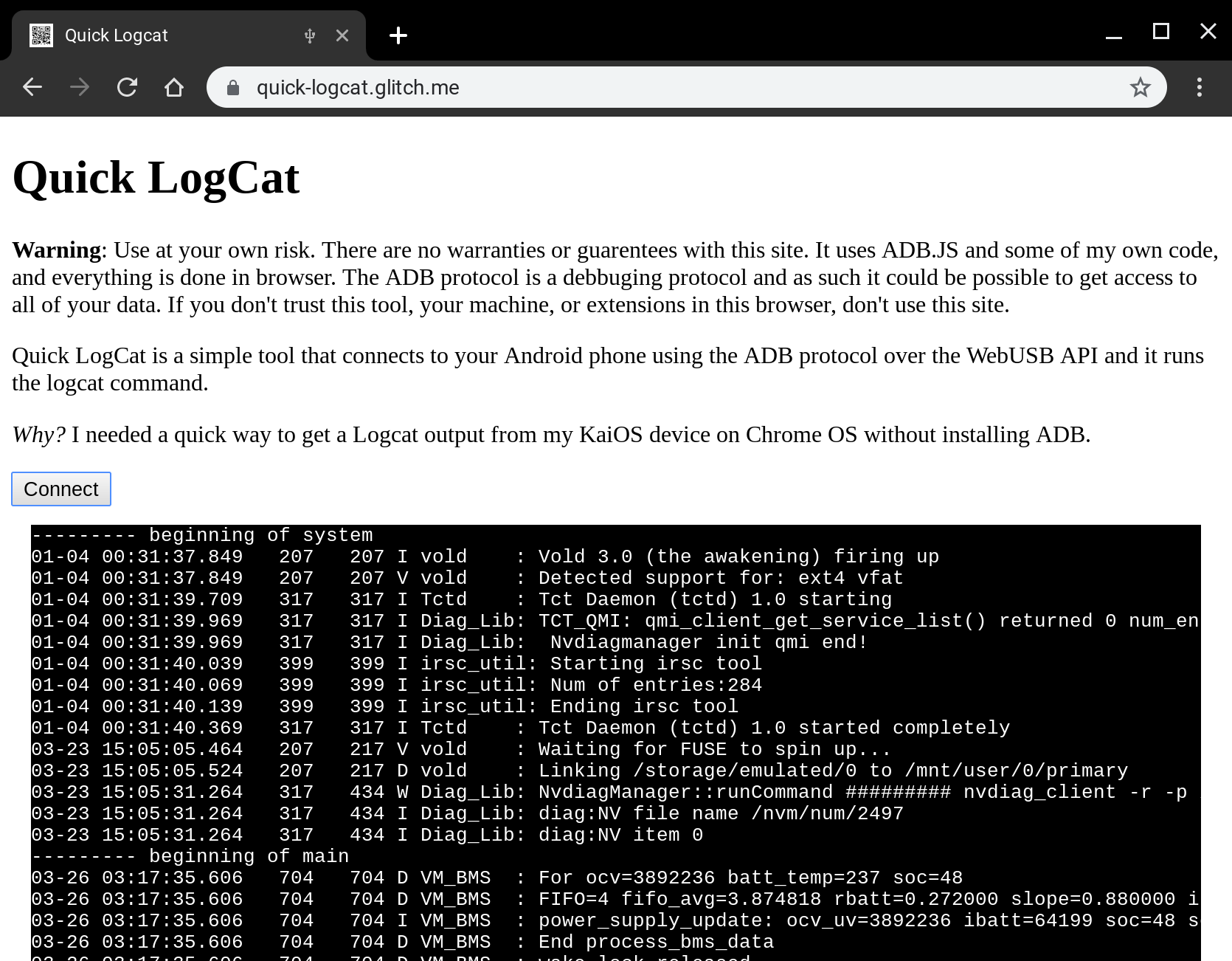
Quick LogCat is just that. It can connect to any Android device that is in developer mode and has USB enabled, is connected to your machine over USB and most importantly you grant access from the web page to connect to the device, and once that is all done it just runs adb shell logcat to create the following output.
Checkout the source over on my github account, specifically the logger class that has the brunt of my logic - note a lot of this code is incredibly similar to the demo over at webadb.github.io, but it should hopefully be relatively clear to follow how I interface with the WebUSB API (which is very cool). The result is the following code that is in my index file: I instantiate a controller, connect to the device which will open up the USB port and then I start the logcat process and well, cat the log, via logcat.
ADB is an incredibly powerful protocol, you can read system files, you can write over personal data and you can even easily side-load apps, so if you give access to any external site to your Android device, you need to completely trust the operator of the site.
This demo shows the power and capability of the WebUSB API, we can interface with hardware without any natively installed components, drivers or software and with a pervasive explicit user opt-in model that stops drive-by access to USB components.
I've got a couple more ideas up my sleeve, it will totally be possible to do firmware updates via the web if you so choose. One thing we saw a lot of in India was the ability side-load APK's on to user's new phones, whilst I am not saying we must do it, a clean web-interface would be more more preferable to the software people use today.
What do you think you could build with Web USB and adb access?
Debugging web pages on the Nokia 8110 (KaiOS) can be tricky due to the lack of traditional developer tools. This post outlines the steps I used to successfully debug, involving enabling Developer Mode on the phone, forwarding a port using adb, and connecting to the phone's runtime via Firefox 48's Web IDE.
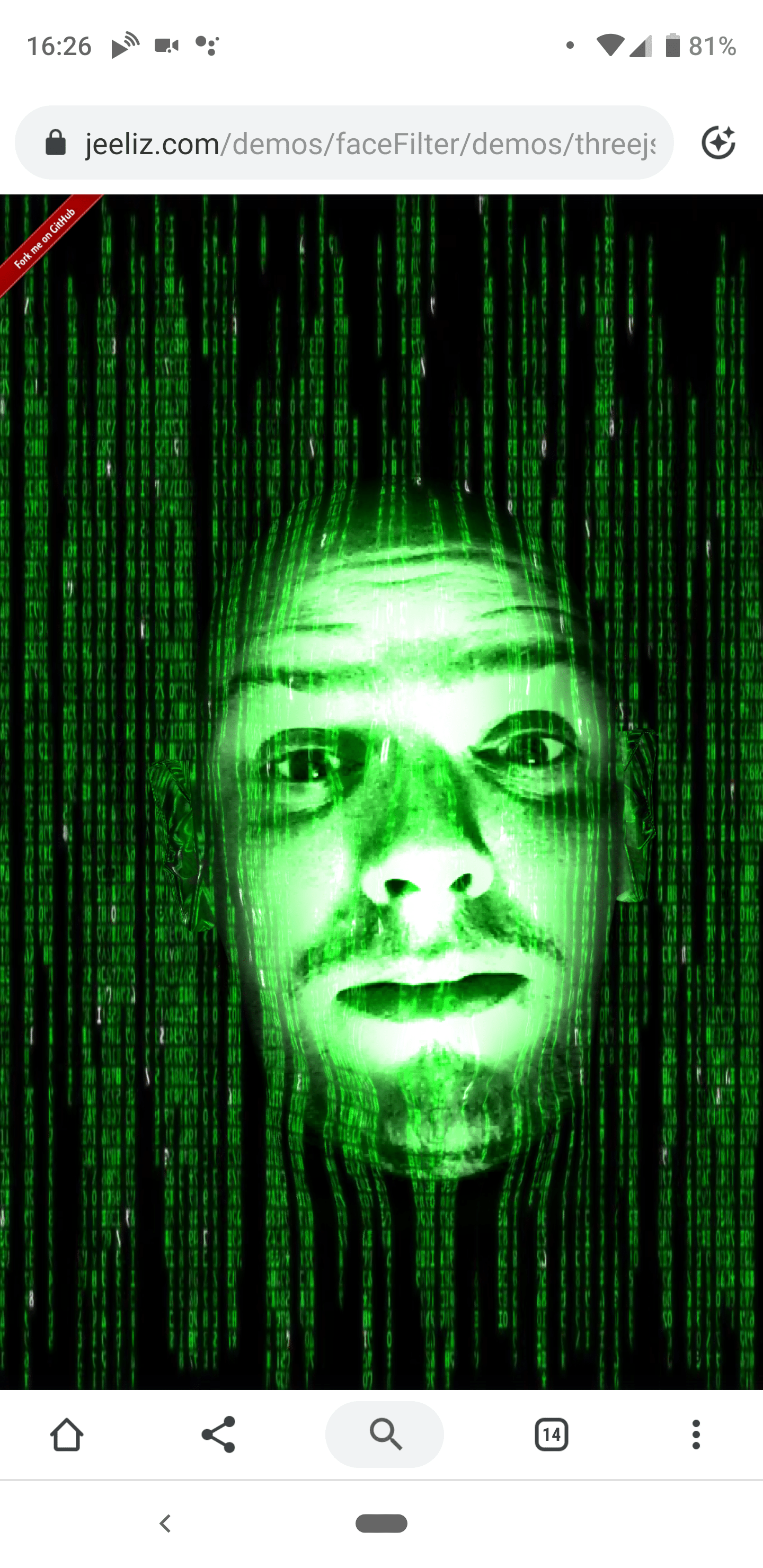
I was pleasantly surprised when I stumbled across Jeeliz
at the weekend and I was incredibly impressed at the performance of their
toolkit - granted I was using a Pixel3 XL, but detection of faces seemed
significantly quicker than what is possible with the FaceDetector API.
It got me thinking a lot. This toolkit for Object Detection (and ones like it)
use API's that are broadly available on the Web specifically Camera access,
WebGL and WASM, which unlike Chrome's Shape Detection API (which is only in
Chrome and not consistent across all platforms that Chrome is on) can be used to
build rich experiences easily and reach billions of users with a consistent
experience across all platforms.
Augmentation is where it gets interesting (and really what I wanted to show off
in this post) and where you need middleware libraries that are now coming to the
platform, we can build the fun snapchat-esque face filter apps without having
users install MASSIVE apps that harvest huge amount of data from the users
device (because there is no underlying access to the system).
Outside of the fun demos, it's possible to solve very advanced use-cases quickly
and simply for the user, such as:
Text Selection directly from the camera or photo from the user
Live translation of languages from the camera
Inline QRCode detection so people don't have to open WeChat all the time :)
Auto extract website URLs or address from an image
Credit card detection and number extraction (get users signing up to your site
quicker)
Visual product search in your store's web app.
Barcode lookup for more product details in your stores web app.
Quick cropping of profile photos on to people's faces.
Simple A11Y features to let the a user hear the text found in images.
I just spent 5 minutes thinking about these use-cases — I know there are a
lot more — but it hit me that we don't see a lot of sites or web apps
utilising the camera, instead we see a lot of sites asking their users to
download an app, and I don't think we need to do that any more.
Update Thomas Steiner on our team mentioned in our team Chat that it sounds
like I don't like the current ShapeDetection API. I love the fact that this
API gives us access to the native shipping implementations of the each of the
respective systems, however as I wrote in The Lumpy Web, Web
Developers crave consistency in the platform and there are number of issues with
the Shape Detection API that can be summarized as:
The API is only in Chrome
The API in Chrome is vastly different on every platforms because their
underlying implementations are different. Android only has points for
landmarks such as mouth and eyes, where macOS has outlines. On Android the
TextDetector returns the detected text, where as on macOS it returns a
'Text Presence' indicator... This is not to mention all the bugs that Surma
found.
The web as a platform for distribution makes so much sense for experiences like
these that I think it would be remiss of us not to do it, but the above two
groupings of issues leads me to question the long-term need to implement every
feature on the web platform natively, when we could implement good solutions in
a package that is shipped using the features of the platform today like WebGL,
WASM and in the future Web GPU.
Anyway, I love the fact that we can do this on the web and I am looking forwards
to seeing sites ship with them.
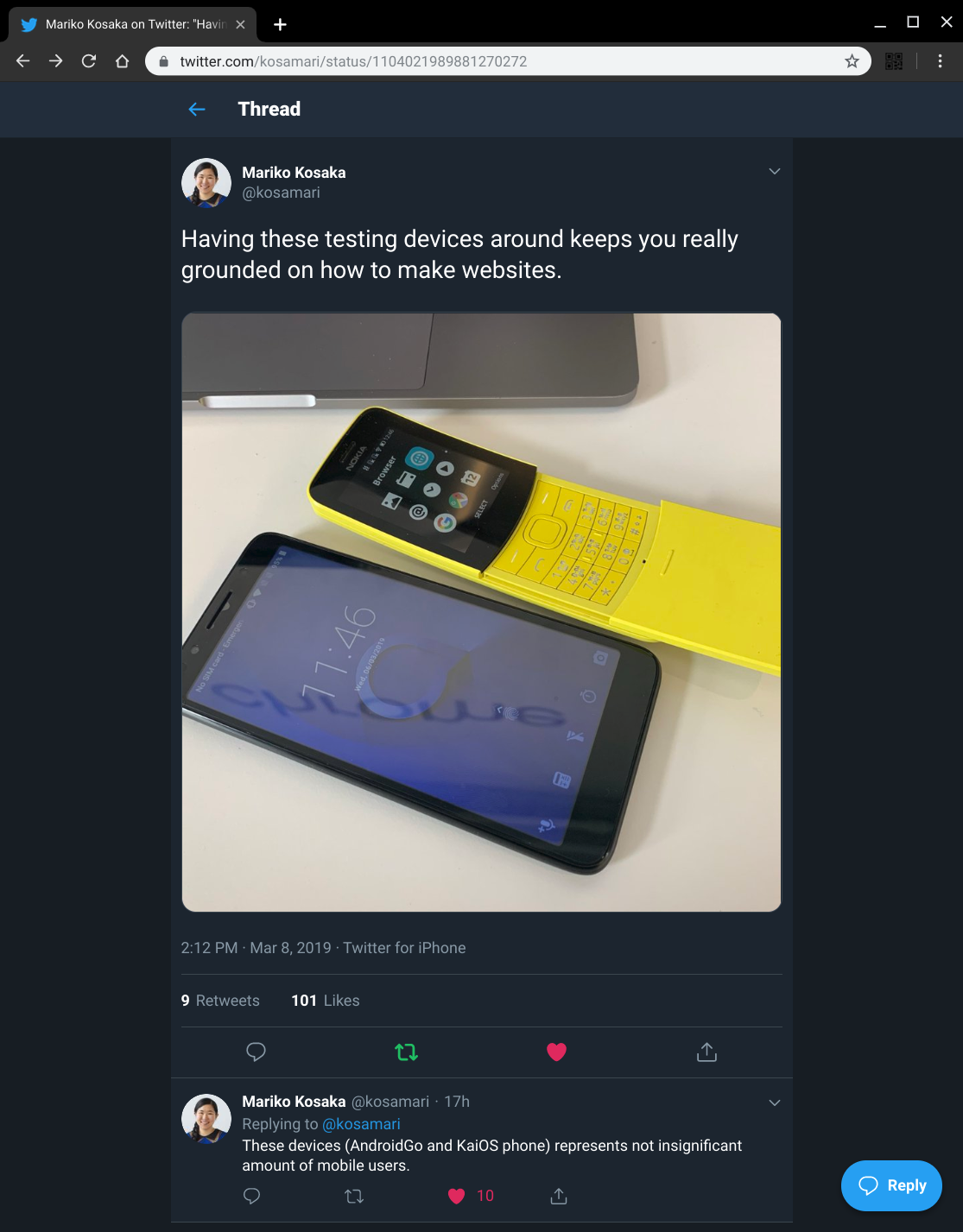
I saw a tweet by a good chum and colleague, Mariko, about testing on a range of low end devices keeping you really grounded.
The context of the tweet is that we are looking at what Web Development is like when building for users who live daily on these classes of devices.
The team is doing a lot of work now in this space, but I spent a day build a site and it was incredibly hard to make anything work at a even slightly reasonable level of performances - here are some of the problems that I ran into:
Viewport oddities, and mysterious re-introduction of 300ms click-delay (can work around).
Huge repaints of entire screen, and it's slow.
Network is slow
Memory is constrained, and subsequent GC's lock the main thread for multiple seconds
Incredibly slow JS execution
DOM manipulation is slow
For many of the pages I was building, even on a fast wifi connection pages took multiple seconds to load, and subsequent interactions were just plain slow. It was hard, it involved trying to get as much as possible off the main thread, but it was also incredibly gratifying at a technical level to see changes in algorithms and logic that I wouldn't have done for all my traditional web development, yield large improvements in performance.
I am not sure what to do long-term, I suspect a huge swathe of developers that we work with in the more developed markets will have a reaction 'I am not building sites for users in [insert country x]', and at a high-level it's hard to argue with this statement, but I can't ignore the fact that 10's of millions of new users are coming to computing each year and they will be using these devices and we want the web to be the platform of choice for content and apps lest we are happy with the rise of the meta platform.
We're going to need to keep pushing on performance for a long time to come. We will keep creating tools and guidance to help developers load quickly and have smooth user interfaces :)
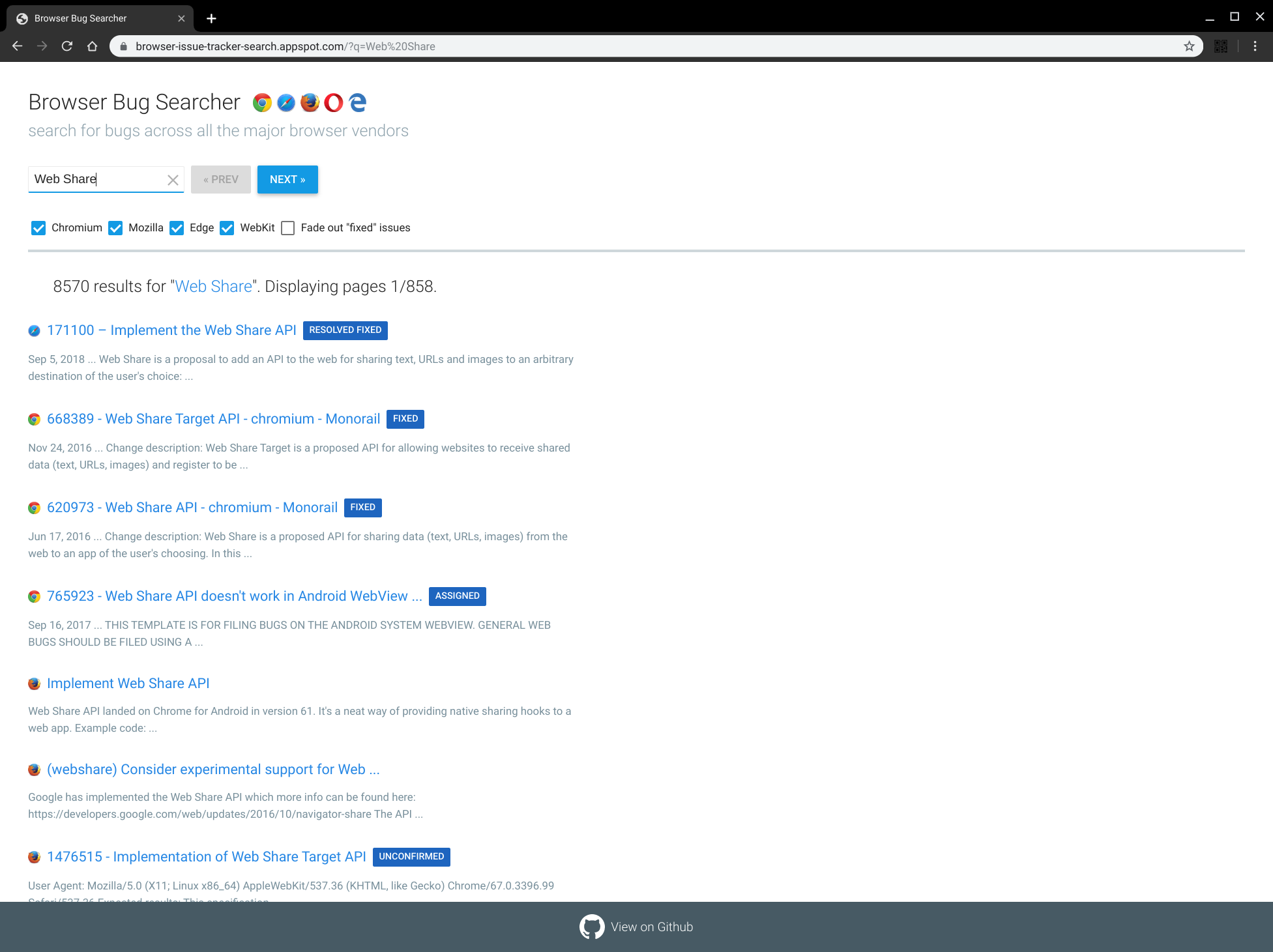
This actually highlights one of the issues that I have with crbug and webkit bug trackers, they don't have a simple way to get feeds of data in formats like RSS. I would love to be able to use my topicdeck aggregator with bug categories etc so I have a dashboard of all the things that I am interested in based on the latest information from each of the bug trackers.
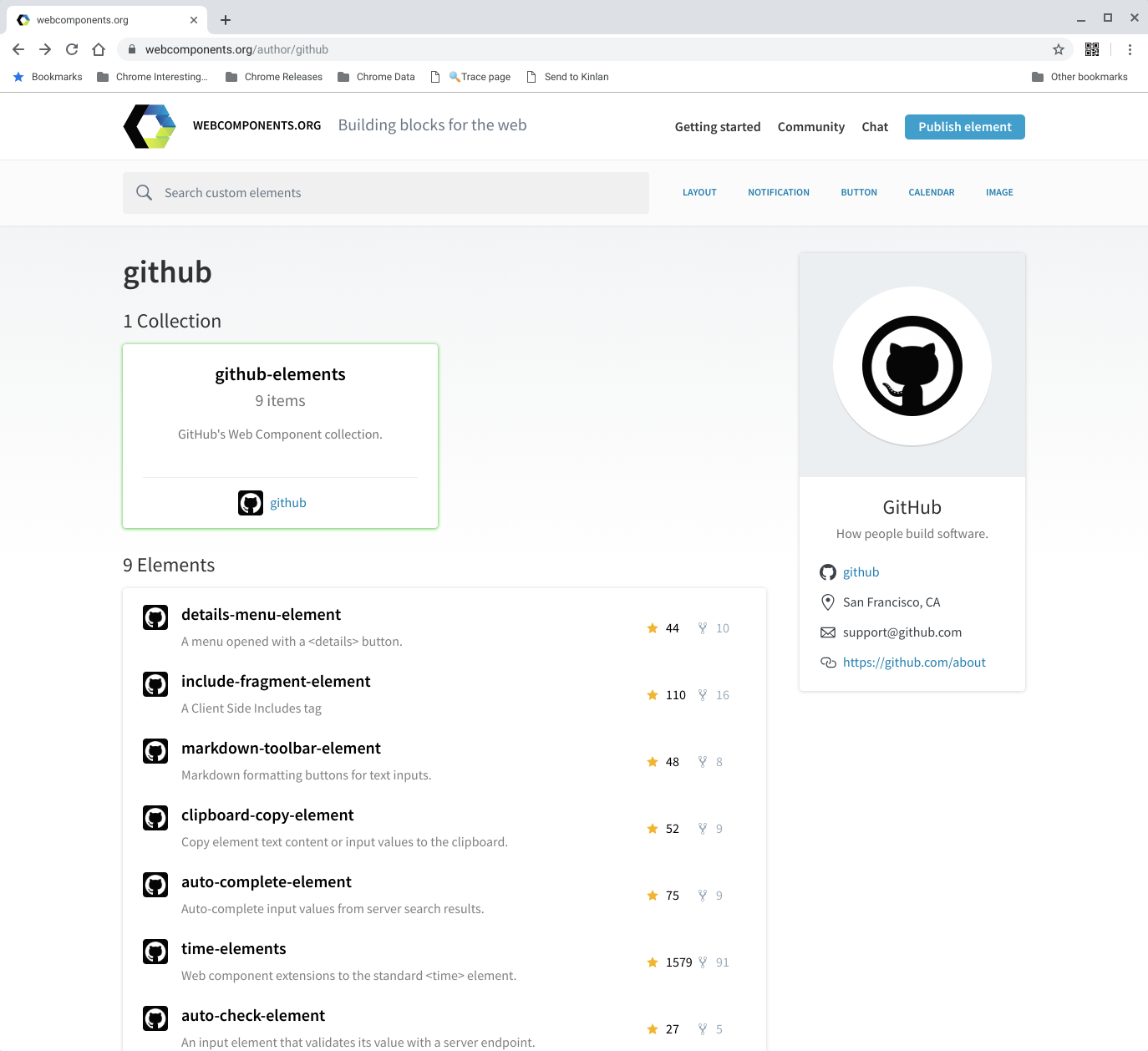
I was looking for a quick markdown editor on https://www.webcomponents.org/ so that I can make posting to this blog easier and I stumbled across a neat set of components by github.
I knew that they had the <time-element> but I didn't know they had a such a nice and simple set of useful elements.