
Hello. I am Paul Kinlan.

I lead the Chrome and the Open Web Developer Relations team at Google. Exploring the intersection of modern web design and future-facing technologies.

1 min read

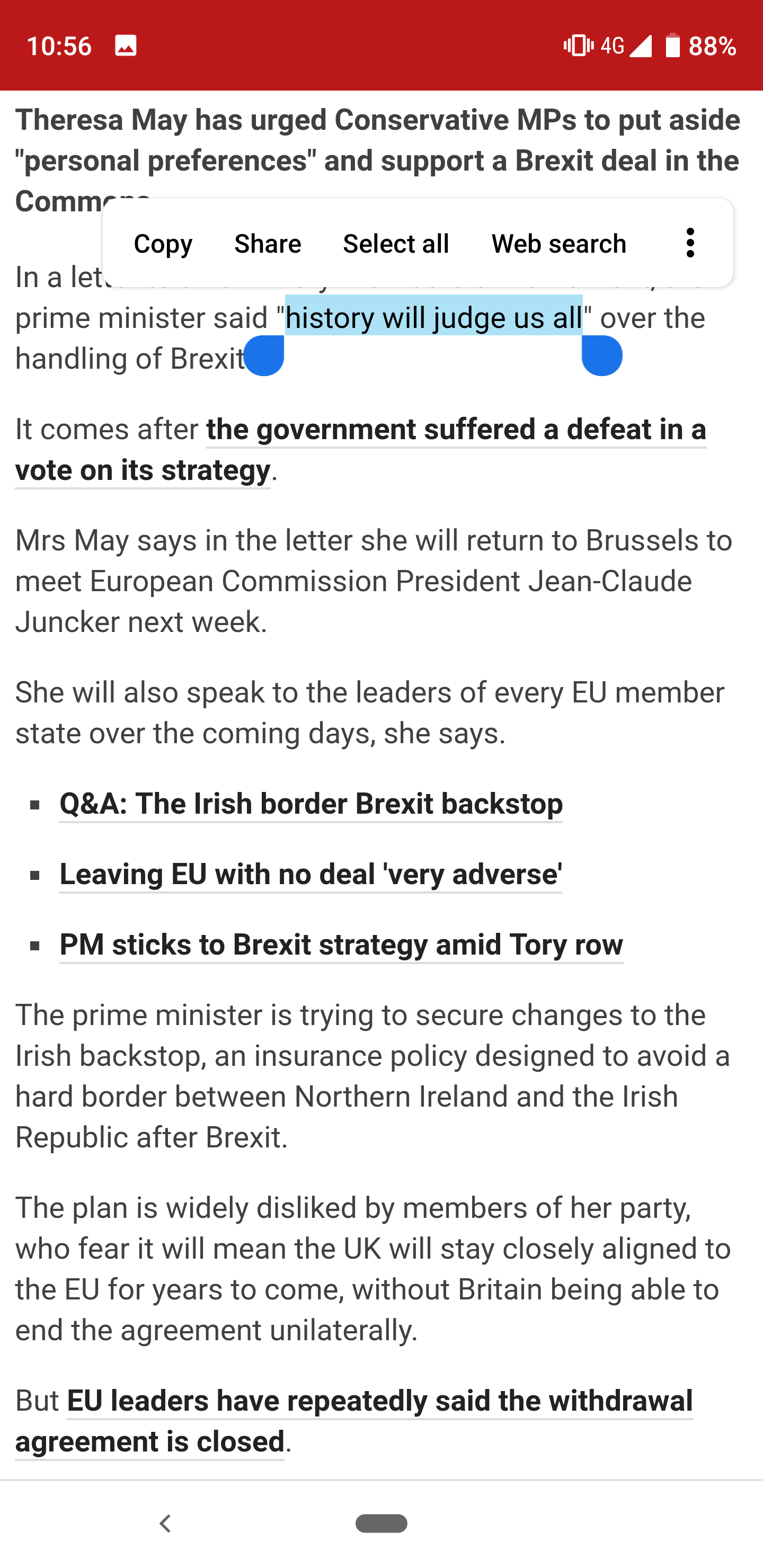
Brexit: History will judge us all

History will judge us all on this mess, and I hope it will be a case study for all on the effects of nationalism, self-interests, colonial-hubris, celebrity-bafoonery.

Fuckers.

Stay in the loop.

I'm trialing a newsletter. Join for monthly insights into web dev, Chrome, and the open web.

alternate_email

Get in touch

Open to chat about Chrome or Web development.

Book a consultation
4 min read

File Web Share Target

The File Web Share Target API is a new, powerful feature in Chrome Canary that allows web apps to receive files (like images) shared from other apps, much like native apps. This post details how I implemented this API on my blog, enabling direct image uploads from my Android camera app. The process involves declaring support for file sharing in your web app manifest and handling the incoming file data in a service worker. The API uses a progressive approach, leveraging standard form POST requests, making integration relatively simple. This feature significantly enhances web app integration with the host operating system, closing the gap between web and native apps.
2 min read

Ricky Mondello: Adoption of Well-Known URL for Changing Passwords

Ricky Mondello over on the Safari team just recently shared a note about how Twitter is using the ./well-known/change-password spec.

I just noticed that Twitter has adopted the Well-Known URL for Changing Passwords! Is anyone aware of other sites that have adopted it?

Twitter's implementation: https://twitter.com/.well-known/change-password Github's: https://github.com/.well-known/change-password Specification :https://github.com/WICG/change-password-url

Read full post.

The feature completely passed me by but it is a neat idea: given a file in a well-known location, can the browser offer a UI to the user that allows them to quickly reset their password without having to navigate the sites complex UI..

The spec is deceptively simple: the well-known file simply contains the URL to direct the user to when they want to perform the action. This lead me in to thinking, can we offer more of these features:

  • A well known location for GDPR-based consent models (cookie consent) - site owners could offer a link to the page where a user can manage and potentially revoke all cookies and other data consent items.
  • A well known location for browser permission management - site owners could offer a quick place for users to be able to revoke permissions to things like geo-location, notifications and other primitives.
  • A well known path for account deletion and changes
  • A well known path for mailing list subscription management

The list goes on.... I really like the idea for simple redirect files to help users to discover common user actions, and for a way for the browser to surface it up.

Update: I added an issue to Chrome to see if we can get a similar implementation.

2 min read

pinch-zoom-element

Jake and the team built this rather awesome custom element for managing pinch zooming on any set of HTML outside of the browser's own pinch-zoom dynamics (think mobile viewport zooming). The element was one of the central components that we needed for the squoosh app that we built and released at Chrome Dev Summit (... I say 'released at Chrome Dev Summit' - Jake was showing it to everyone at the China Google Developer Day even though the rest of the team were under embargo ;) ... )

install: npm install --save-dev pinch-zoom-element

<pinch-zoom>
  <h1>Hello!</h1>
</pinch-zoom>

Read full post.

I just added it to my blog (took just a couple of minutes), you can check it out on my 'life' section where I share photos that I have taken. If you are on a touch-enabled device you can quickly pinch-zoom on the element, if you are using a track-pad that can handle multiple finger inputs that works too.

This element is a great example of why I love web components as a model for creating user-interface components. The pinch-zoom element is just under 3kb on the wire (uncompressed) and minimal dependencies for building and it just does one job exceptionally well, without tying any custom application-level logic that would make it hard to use (I have some thoughts on UI logic vs App logic components that I will share based on my learning's from the Squoosh app).

I would love to see elements like these get more awareness and usage, for example I could imagine that this element could replace or standardise the image zoom functionality that you see on many commerce sites and forever take away that pain from developers.

1 min read

Registering as a Share Target with the Web Share Target API

Pete LePage introduces the Web Share Target API and the the availability in Chrome via an origin trial

Until now, only native apps could register as a share target. The Web Share Target API allows installed web apps to register with the underlying OS as a share target to receive shared content from either the Web Share API or system events, like the OS-level share button.

Read full post.

This API is a game changer on the web, it opens the web up to something that was only once available to native apps: Native Sharing. Apps are silos, they suck in all data and make it hard to be accessible across platforms. Share Target starts to level the playing field so that the web can play in the same game.

The Twitter Mobile experience has Share Target already enabled. This post was created using the Share Target I have defined in my sites 'admin panel' manifest.json - it works pretty well, and the minute they land file support I will be able to post any image or blob on my device to my blog.

Very exciting times.

Read the linked post to learn more about the time-lines for when this API should go live and how to use the API.

1 min read

Why Build Progressive Web Apps: Push, but Don't be Pushy! Video Write-Up

A great article and video and sample by Thomas Steiner on good push notifications on the web.

A particularly bad practice is to pop up the permission dialog on page load, without any context at all. Several high traffic sites have been caught doing this. To subscribe people to push notifications, you use the the PushManager interface. Now to be fair, this does not allow the developer to specify the context or the to-be-expected frequency of notifications. So where does this leave us?

Read full post.

Web Push is an amazingly powerful API, but it's easy to abuse and annoy your users. The bad thing for your site is that if a user blocks notifications because you prompt without warning, then you don't get the chance to ask again.

Treat your users with respect, Context is king for Web Push notifications.

1 min read

Maybe Our Documentation "Best Practices" Aren''t Really Best Practices

Kayce Basques, an awesome tech writer on our team wrote up a pretty amazing article about his experiences measuring how well existing documentation best-practices work for explaining technical material. Best practices in this sense can be well-known industry standards for technical writing, or it could be your own companies writing style guide. Check it out!

Recently I discovered that a supposed documentation "best practice" may not actually stand up to scrutiny when measured in the wild. I'm now on a mission to get a "was this page helpful?" feedback widget on every documentation page on the web. It's not the end-all be-all solution, but it's a start towards a more rigorous understanding of what actually makes our docs more helpful.

Read full post.

Whilst I am not a tech writer, my role involves a huge amount of engagement with our tech writing team as well as also publishing a lot of 'best practices' for developers myself. I was amazed by how much depth and research Kayce has done on the art of writing modern docs through the lens of our teams content. I fully encourage you to read Kayce's article in-depth - I learnt a lot. Thank you Kayce!

2 min read

Feature Policy & the Well-Lit Path for Web Development (Chrome Dev Summit 2018)

Jason did an amazing talk about a little-known but new area of the web platform 'Feature Policy'.

Feature Policy is a new primitive which allows developers to selectively enable, disable, and modify the behaviour of certain APIs and features in the browser. It's like CSP, but for features & APIs! Teams can use new tools like Feature Policy and the Reporting API to catch errors before they grow out of control, ensure site performance stays high, keep code quality healthy, and help avoid the web's biggest footguns.

Check out featurepolicy.rocks for more information about Feature Policy, code samples, and live demos.

Submit new ideas for policies or feedback on existing policies at → https://bit.ly/2B3gDEU.

To learn more about the Reporting API see https://bit.ly/rep-api.

Read full post.

Feature policy is an interesting area that can seem like a hard place to work out where.

There are a couple of areas where I seeing it being beneficial:

  1. Control 3rd-party content. As an embedder, you should be able to control what functionality runs in the context of your page and when it runs. Feature policy gives you that control. Don't want iframes to autoplay video? Turn it off. Don't want third party iframes to request geo-location? Turn it off. Don't want iframes to access sensor information? Turn it off. You should be in control of your experience, not third party sites.
  2. Stay on target in development. We talked a lot at Chrome DevSummit about perf-budgets, yet today they can be hard to reason with. Feature Policy enabled on your development and staging services will help you know if any sets of changes you are making will breach your performance budgets by stopping you from doing the wrong thing. A case in point, our very own Chrome Dev Summit side had feature policy enabled for images called 'max-downscaling-image' - it inverts the colour of the image when it has been downscaled too much (a large image displayed in a small container). Feature policy picked it up and enabled us to make a decision about what to do. In the end, we disabled the policy because we were using the larger version of the image in multiple places and the images were already cached at that point.

I do encourage you all to look in to feature policy a lot more because it will play an important part of the future of the web. If you want to see the latest Policies that Chrome is implementing then checkout Feature Policy on Chrome Status